
FAQ
Add Your Listing FREE

Welcome to our FAQ section, designed to guide you through KERALA.GLOBAL’s features and services. Here you’ll find essential information about listing your business or professional services on our global Malayali directory, advertising opportunities, and how to maximize your visibility on our platform.
Our searchable directory organizes Malayali businesses and professionals by country, city, and category, making it easy for community members worldwide to find the services they need. This FAQ addresses common questions from both listing owners and potential advertisers to help you navigate the platform efficiently.
How To Claim A Listing

Many businesses and professionals are already listed on KERALA.GLOBAL, either created by our team using publicly available information, imported from our previous platform Malayalam CA, or added through our database building efforts. If you discover your business is already on our site, claiming your listing gives you control to update information, add services, and respond to community inquiries. The video below demonstrates the simple claiming process, which verifies your ownership and grants you full editing privileges. Once claimed, the listing will be permanently associated with your account, allowing you to edit and update all information independently without requiring our assistance. This self-service approach ensures your profile always reflects the most current details about your business or professional services.
Claim Listing Tutorial
How To Edit A Listing

Keeping your business or professional listing up-to-date is essential for attracting potential clients within the global Malayali community. KERALA.GLOBAL provides listing owners with full control to edit their information at any time. Once you’ve logged into your account, you can easily update your business description, contact details, operating hours, service areas, and even add promotional photos or special offers. The video below walks you through the step-by-step editing process, showing how to access your listing dashboard and make changes that immediately appear on the public directory. Regular updates to your listing can significantly improve your visibility and help you better connect with the Malayali community worldwide.
Edit Listing Tutorial
FREE Keyword Optimized Description Generator

Writing descriptions that explains your business, service or institution is one of the hardest part of adding a listing and we totally understand that. We have developed a free listing description generator that only needs your personal name or business name, type of business and location as input. You can optionally add unique features of your business or service as well. Our listing generator will then give you a keyword rich description that you can copy and paste in the description field of your listing. Some example input are:
- Thomas Mathew, Web Designer, Scarborough Canada
- Varun Nair, Realtor, Vancouver Canada
- Changanacherry Kitchen, Kerala Restaurant, Calgary Canada
- Smile & Sunshines, Daycare, Houston USA
If you are not satisfied with the generator content, just type what you want to change in response and it will rewrite it. Some example instructions are:
- Add that I specialize in commercial real estate
- Add that we have the best “beef fry” dish in all of Texas
- Add that we also offer free delivery in 10 miles
- Add that I have 20+ years experience in this field
How To Set Up Or Edit Working Hours

Setting up working hours on your listing is crucial yet can be done in simple simple steps. Wrong working hours can lead to your listing being shown as closed and it will also not be displayed when someone conducts a search for only businesses that are open. The below video will walk you through the simple steps of configuring your working hours.
Working Hours Set Up Tutorial
How To Add Your Menu
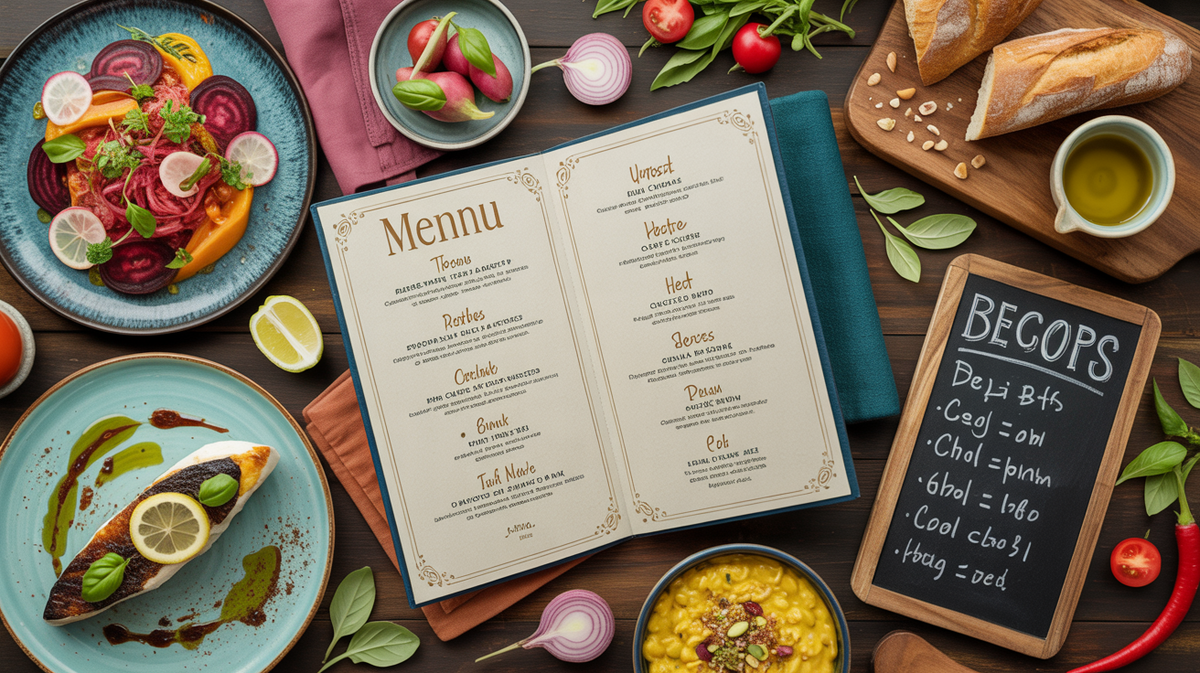
If you are a sit-down dining restaurant, a no-frills takeout, or a home-based catering service, you have the option to display your complete menu in the listing. Please take a look at the menu-building tutorial video. It is simple and takes less than 5 minutes to add your menu. This option is only available and visible in the settings if you have a food related listing.
Add Or Edit Menu Tutorial
How To Add Religious Schedule
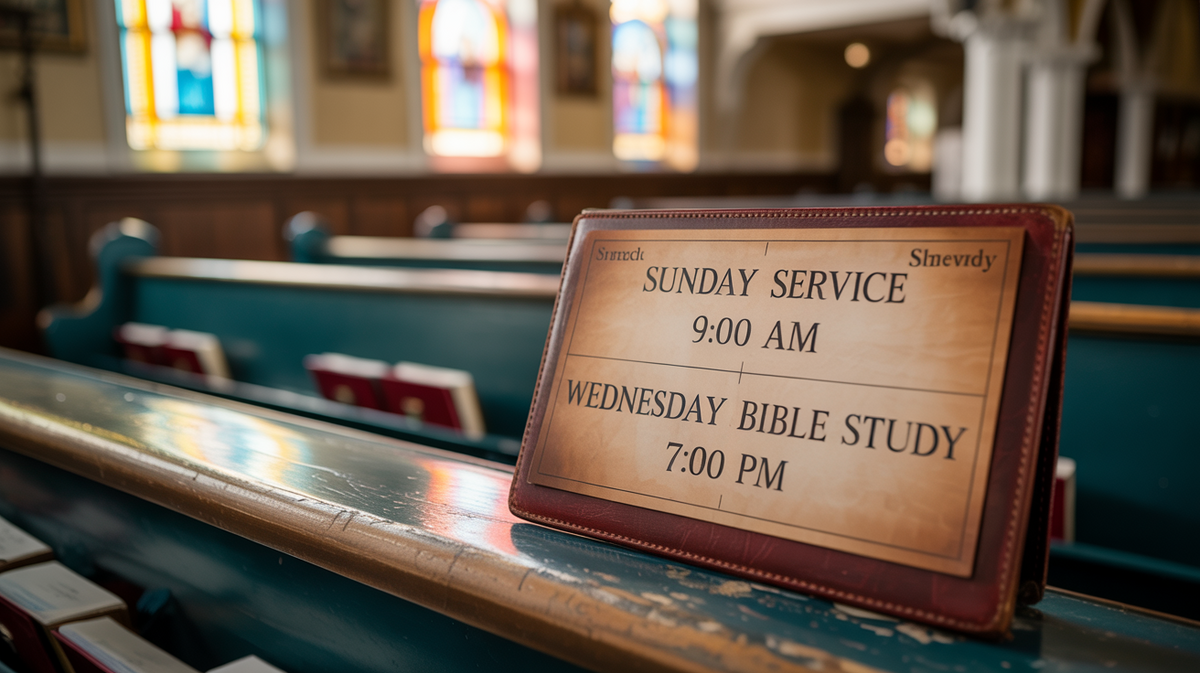
If you have a religion related listing such a listing for your church, you have the option to add your weekly schedule that will help your visitors to know what happens when. The below video will walk you through how to set up your weekly service schedule. Please note that you will only see this option if you have a religion related listing such as a church.